Article
Source
Doc
| Category | Documentation |
|---|---|
| Type | Doc |
| Last Modified | 4 December 2025 |
| Location | Documentation |
Calibre9 Tools
From FAQ-Off, the Calibre9 knowledge base
| Introduction | |
Summary | The document contains documentation, guides, examples and points of contact for all currently used tools at Calibre9. |
This Guide | This guide is maintained by Lachlan Cowie. If you discover any errors, out-of-date information, or would like extra information added – please leave a comment or send me a message on Slack. |
| Tools (Workflow Management) | |
Slack | Purpose
Slack is our internal communication platform. We use it to communicate about tasks, coordinate teams and to make custom emojis of Grant’s head. 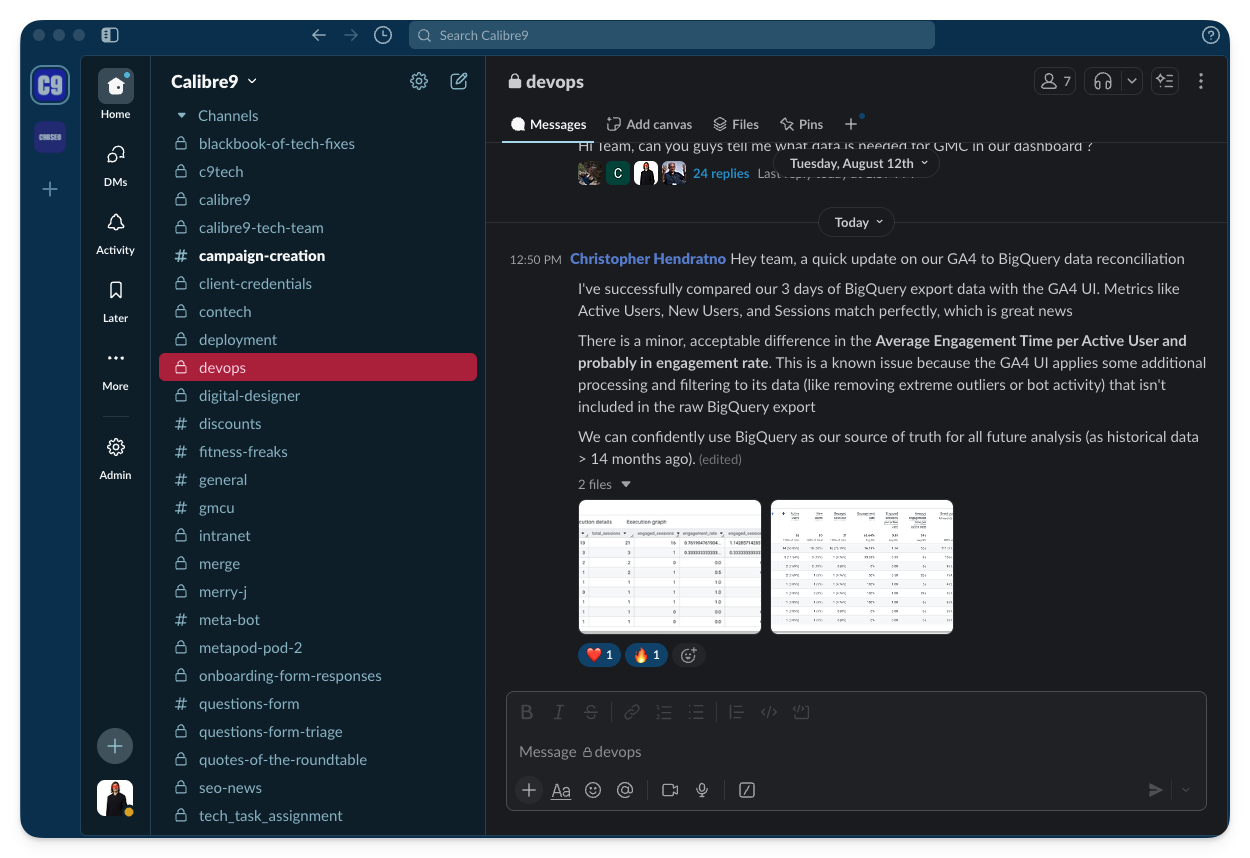 Access
Slack can be accessed via Webpage, but we recommend that users download the app. Contact
Access is via your company Google account. If you are having issues with your account, please contact Chris Pride. |
Gmail | Purpose
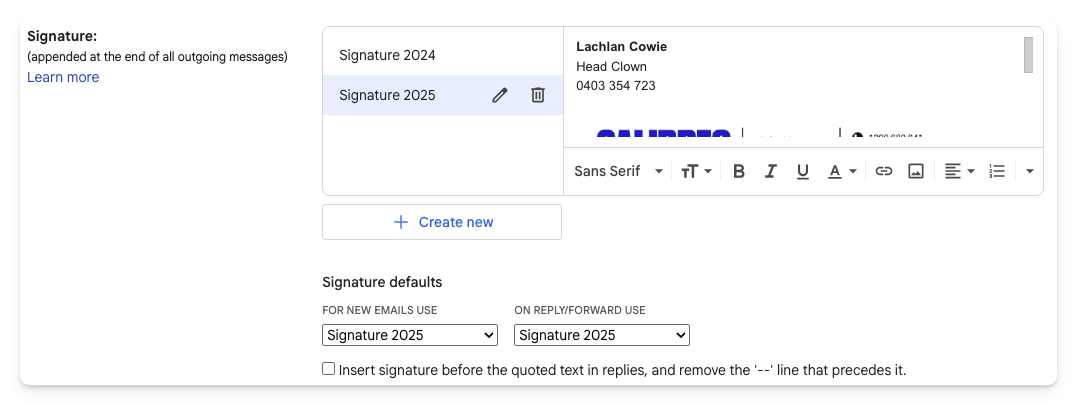
Gmail is the main tool we use for sending reports and other emails to our clients. Email Signature → Open Gmail → Go to the settings (cog in the top right) and click See all settings
→ In the General tab, scroll down until you see the Signature: section. → Click + Create new
→ Type in your name, position and phone number
→ Click the image button
→ Select Google drive and paste in the email signature URL → The image will appear massive. Click on it and select Large. → Underneath in Signature defaults, Set both dropdowns to your new email signature → Scroll to the bottom of the settings page and click Save Changes
Contact
Access is via your company Google account. If you are having issues with your account, please contact Chris Pride. |
1Password | Purpose
1Password is the password manager that we use for storing client credentials. Each specialist has an “Employee” vault where they can keep personal logins, and a vault bearing their name. Client credentials for their clients will be added to your named vault. 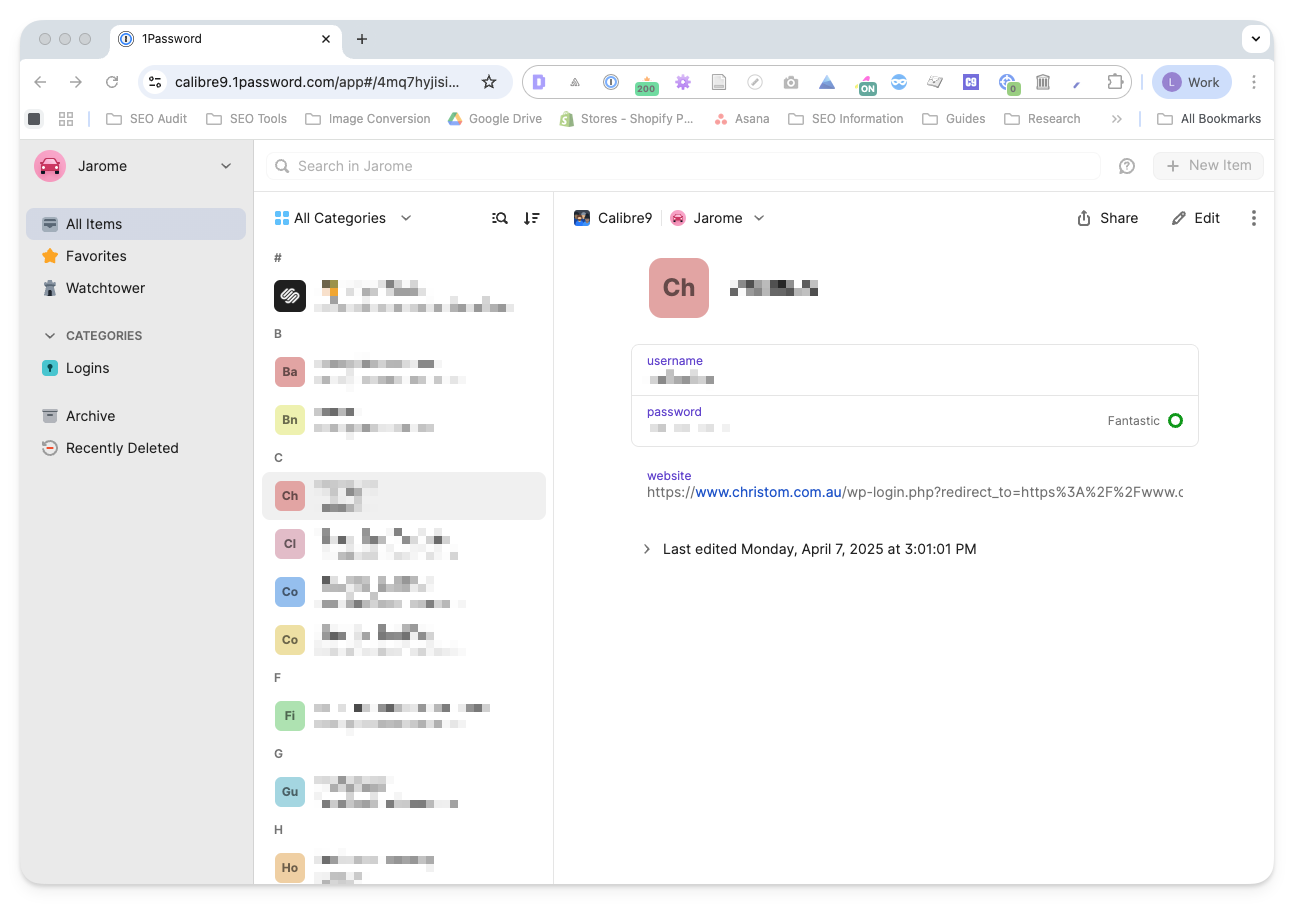 Access
 will be provided via your company Gmail account. I recommend downloading the Chrome Extension for accessing passwords. I do not recommend the desktop app – it is slow, clunky and adds extra steps to the login process. Contact
If you need to be provided with additional passwords, please contact Chris Pride. |
Asana | Purpose
Asana is the main tool that we use for campaign and task management. We use it to plan works for clients, and to pass works between teams for completion. 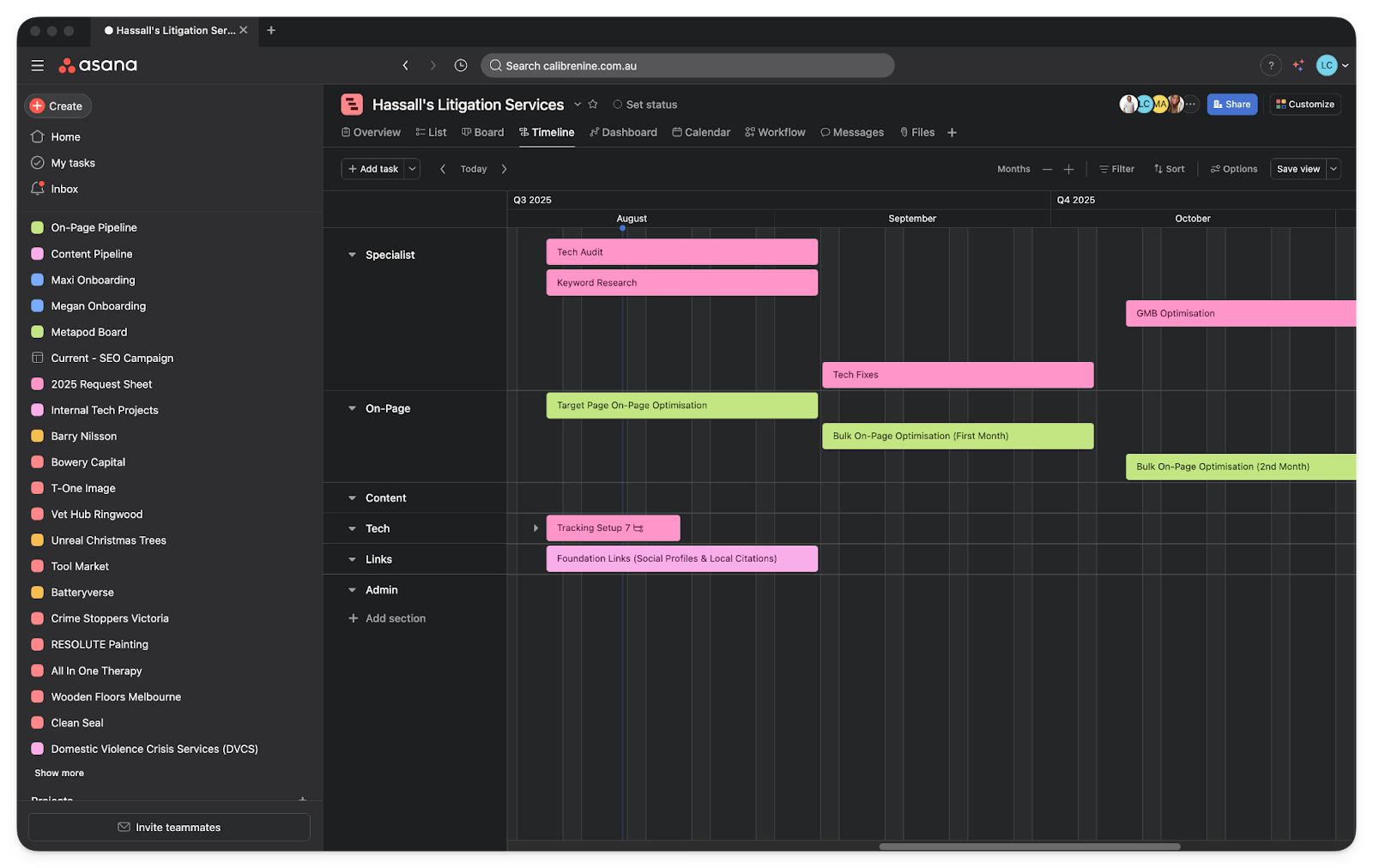 Access
 is provided to you via a special email address used only for Asana. Contact
If you need assistance with Asana, please contact Chris Pride. |
Google Drive | Purpose
Google Drive is the system we use for storing and sharing files between team members. All client work, along with any process templates and documentation should be correctly stored and categorized in the company drive.
Access
Access is provided to you via your normal Gmail account. Contact If you do not have the access you need, please contact Chris Pride. |
Hubspot | Purpose
Hubspot is the main tool that we use for our own B2B sales and customer relationship management (CRM). It keeps a record of our communications with clients, and has profiles of client information and contacts. |
Chat GPT | Purpose
ChatGPT is the main AI tool that we use. It can be interfaced with directly or incorporated into other tools/software. Here are some useful purposes for AI in our workflow:
Access
Log in with the calibrenine.webmaster@gmail.com account. It should be in your 1Password. Contact
If you do not have the access you need, please contact Chris Pride. |
| Tools (SEO) | |
Agency Analytics | Purpose
Agency analytics is our current SEO reporting tool. It connects to Google Search Console and Google Analytics and keeps track of a limited number of target keywords. It uses the data to make summary reports on campaign performance which we send to our clients every month. We are currently in the process of developing software to replace Agency Analytics because it cannot report on Google Shopping or AI visibility. It also reports primarily on a limited number of manually-selected target keywords, which can easily misrepresent the actual performance of a campaign. Access
Specialists are given their own agency analytics account with their gmail address as the username. Contact
If you are missing access to Agency Analytics, please contact Grant Ferguson. |
Screaming Frog | Purpose
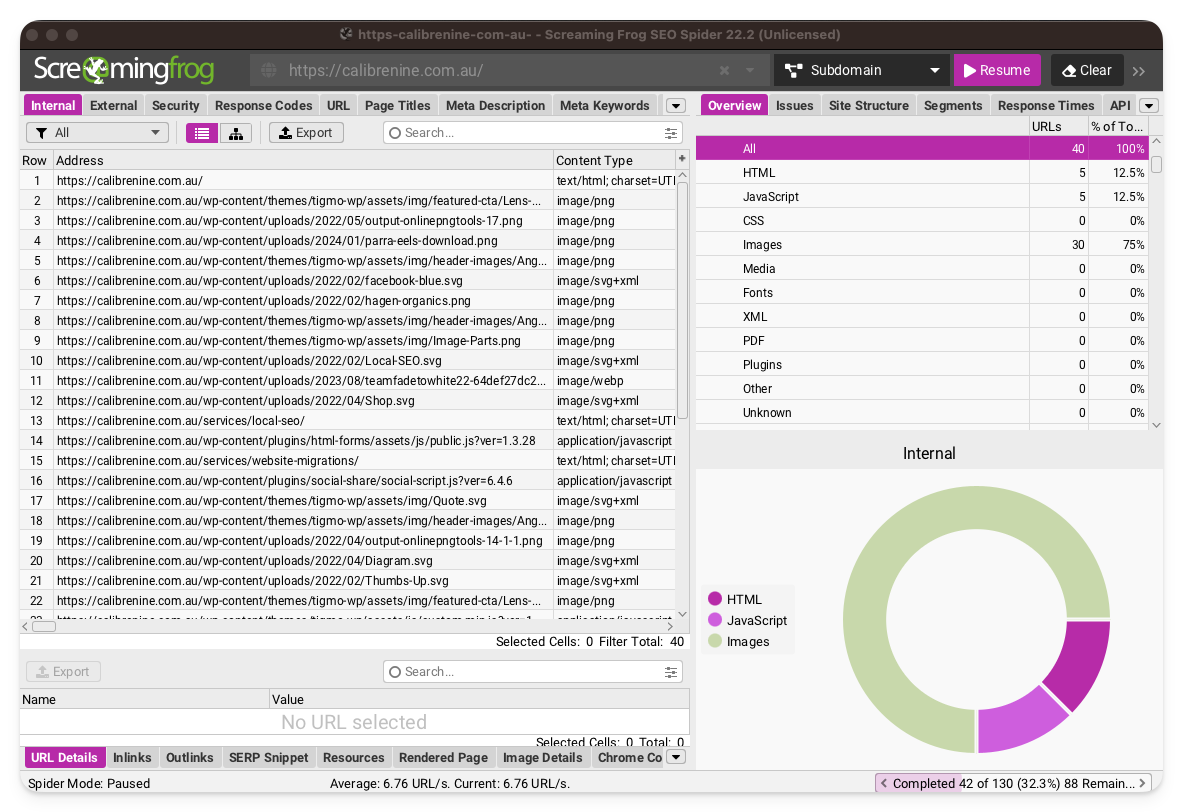
Screaming Frog is a personal web crawler and the best tool for technical SEO, hands-down. It allows us to crawl a client’s website and locate technical issues at scale. Some things that can easily be found via Screaming Frog:
 Guide
Also see our Tech Audit Guide (from page 44 onwards) for basic instructions on how to use Screaming Frog within the context of the tech audit. Access
The Screaming Frog client can be downloaded from their website. We will provide you with a licence key. Contact
If your licence key is missing or out of date, please contact Chris Pride. |
Ahrefs | Purpose Ahrefs is an SEO database. It features reports and tools built using combined data from the Ahrefs crawlers and the Search Consoles that they have access to. It is the best source of information for competitor data, backlink data, and any other information that cannot be gathered from the client’s Search Console. Guide
Access
Access is provided via 1Password. Contact If you do not have access to an Ahrefs account, please contact Chris Pride. |
Semrush | Purpose
Semrush is an SEO database similar to Ahrefs. It has slightly different data and tools, so we keep a couple of accounts in case we need a second estimate, or a specific tool. Access
Most users will not be given access to Semrush by default. Contact If you would like access to Semrush please contact Chris Pride. |
Google Search Console | Purpose
Search Console uses Google’s data to show the performance of your website in Google Search Results (SERPs). It has fully accurate data on how many clicks and impressions each page is getting for each keyword. It is the most important tool for Google SEO. 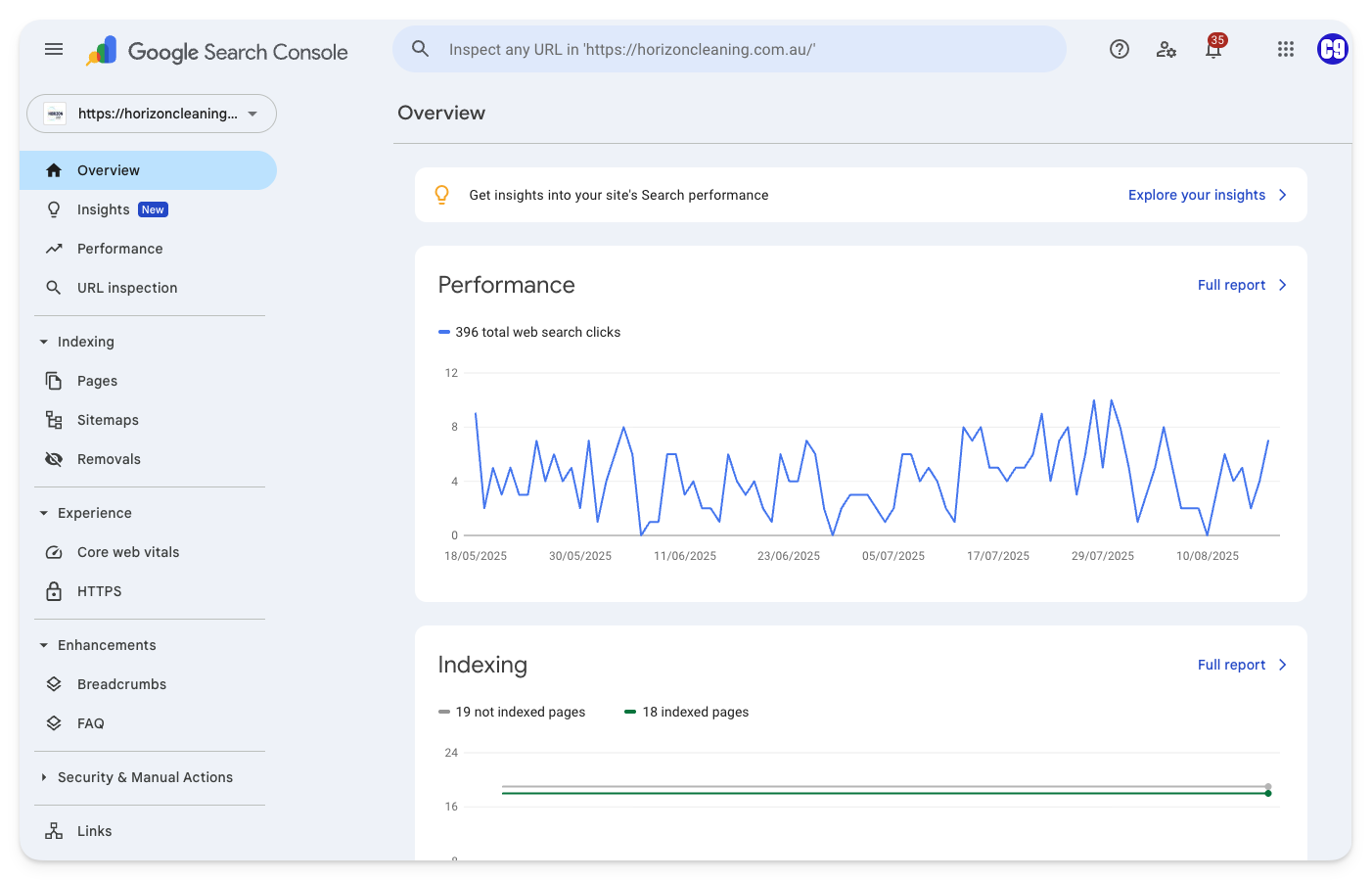 Guide
Access
Log in with the calibrenine.webmaster@gmail.com account. It should be in your 1Password. Contact
If you do not have access to the calibrenine.webmaster@gmail.com account in your 1Password, please contact Chris Pride. |
Google Analytics 4 | Purpose
Google Analytics 4 is used for on-site analytics. It is installed on our clients website and tracks user sessions, page views, engagement time and user journeys. Because it relies on a tracking script that may be blocked or not loaded by some users, data from GA4 is never fully accurate. Despite this, the trends and patterns of behaviour in the data are usually reflective of the site’s actual users. Guides
|
Google Business | Purpose
Google Business is the program used to manage store and location listings for Google Maps and for branded SERPS. A well optimised Google Business Profile has a large positive impact on both SEO and user engagement rate. Business profiles are particularly important in Bali where users are far more likely to engage with Google Maps than the regular SERPs. Guides
Templates
Google Review Template (A4) Google Review Template (A5) Google Review Template (DL) |
Purpose
Google Merchant Center is the program used to manage product data, promotions and vendor information for Google Shopping. It is used extensively during our Google Shopping campaigns. When Google Shopping clients are first onboarded, we perform a Merchant Center Audit Expert
Jai Tagle
| |
Google Tag Manager | Purpose
Google tag manager allows a user to combine and add multiple scripts to a website. We often use tag manager’s inbuilt features to create and add scripts which track conversion Guide Expert
Lachlan Cowie
|
Bing Webmaster Tools | Purpose
Bing Webmaster Tools is very similar to Google Search Console, except it shows performance in Microsoft’s Bing Search. It has accurate data on how many clicks and impressions each page is getting for specific keywords. It is the most important source of information for Bing SEO. Guide Expert
Lachlan Cowie |
Microsoft Clarity | Purpose
Microsoft Clarity keeps detailed data on user clicks and interactions. We use it to support UX audits, insights and optimisations on our client’s sites. Guide
Expert
Jai Tagle Lachlan Cowie |
| Tools (Internal) | |
Optimizely | Purpose This is a plugin for Wordpress originally developed by Spencer Potts (ex-Calibre9 CTO). It allows us to upload metadata to Wordpress sites in bulk (similar to what Matrixify does on Shopify Sites). Guide
See the Metadata (bulk) section of the Wordpress Fixes Guide
Access
The plugin can be downloaded here. Expert
Development of this tool has been halted. Please contact Merrick Allen if it is not working correctly. |
Keyword Tool | Purpose This tool combines keyword data from Google Search Console and Ahrefs. It is intended to shortcut analysis of current and competitor keywords. This tool excels at:
Guide
Access
See guide for details on accessing the tool. Expert
Lewis Pola (Keyword Research) Lachlan Cowie (Tool) |
Keyword Cannibalisation Tool | Purpose
The purpose of this tool is to discover keyword cannibalisation. Keyword cannibalisation occurs because two pages are too close in both topic and intent. Google (and other search engines) will not be sure which page to serve to users with that intent, so will alternate serving both pages based on arbitrary factors (Location, time of day, day of the week etc.). This causes the two pages to “cannibalise” ranking authority and user data from each other. Both pages will rank worse than a single page would have. This tool attempts to discover cannibalisation by looking at which pages are competing for the same keywords. Cannibalising pages should have their content altered so as to address a different topic or search intent. If this is not possible, the lower performing page should be removed and redirected or canonicalised (based on context). Guide
To access the video guide, open the Streamlit app, then expand the View Video Instructions dropdown. Access
Search Console Export Tool (Access with calibrenine.webmaster@gmail.com.au) Expert
Chris Pride |
Product Information Mapping Tool | Purpose
The purpose of this tool is to correct and enhance backend data from product information management (PIM) systems on ecommerce stores. Having complete and enriched product data greatly enhances both on-page product schemas and any data feed that is connected to Google Merchant Center. This tool is key to ranking our client’s products in both AI and Google Shopping. Access
Access to this tool is currently restricted (while it is in development). Please contact Merrick Allen or Jai Tagle if your client requires product information mapping. Expert
Merrick Allen |
Striking Distance Keywords Tool | Purpose
The purpose of this tool is to discover keywords where the client is already performing well, but is not yet getting traffic. By default, the tool finds keywords in position 1-30 and then ranks them using combined volume and difficulty. To use this tool, you need access to both Search Console and Ahrefs
Access
Access via the above Streamlit link, if the app has been idle for a while, you may need to select Yes, get this app back up! Expert
Lachlan Cowie |
Keyword Compiler | Purpose The purpose of this tool is to find all of the target pages and keywords for a client. It is very useful for checking which URLs have already had their metadata optimised. Access
Expert
Merrick Allen |
| Tools (Dev Team) | |
Jira | Purpose Jira is a project management tool similar to Asana, but with a focus on week-long sprints for software development. It is used by our development team to track their progress. Access
Access is provided to the dev team only via the dev@calibrenine.com.au Google account. |
Figma | Purpose Figma is UX templating and design software. It is used by our dev team to design front-ends for their tools and dashboards. Access
Access is provided to the dev team only via the dev@calibrenine.com.au Google account. |
BigQuery | Purpose BigQuery is Google’s cloud database. We use it to extract and store analytics data from our other Google properties. Access
Access is provided to the dev team only via the dev@calibrenine.com.au Google account. |
Github | Purpose Github is a code repository. Our development team uses it to store and back up their code base. Access
Access is provided to the dev team only via the dev@calibrenine.com.au Google account. |
Categories:
Documentation