Article
Source
Doc
| Category | Documentation |
|---|---|
| Type | Doc |
| Last Modified | 6 October 2025 |
| Location | Tools > Google Search Console (GSC) |
Google Search Console Guide
From FAQ-Off, the Calibre9 knowledge base
| Introduction | |
This Guide | This guide is maintained by Lachlan Cowie. If you discover any errors, out-of-date information, or would like extra information added – please leave a comment or send me a message on Slack. |
Overview | This is a basic guide to the most useful features in Google Search Console. Search Console has fully accurate data on how many clicks and impressions each page is getting for each keyword. It is the most important source of information for Google SEO. |
| Set Up | |
Set up | See the Tracking Setup Guide |
| Seeing Results | |
Overview of performance | → Click on Search Results (Sidebar) 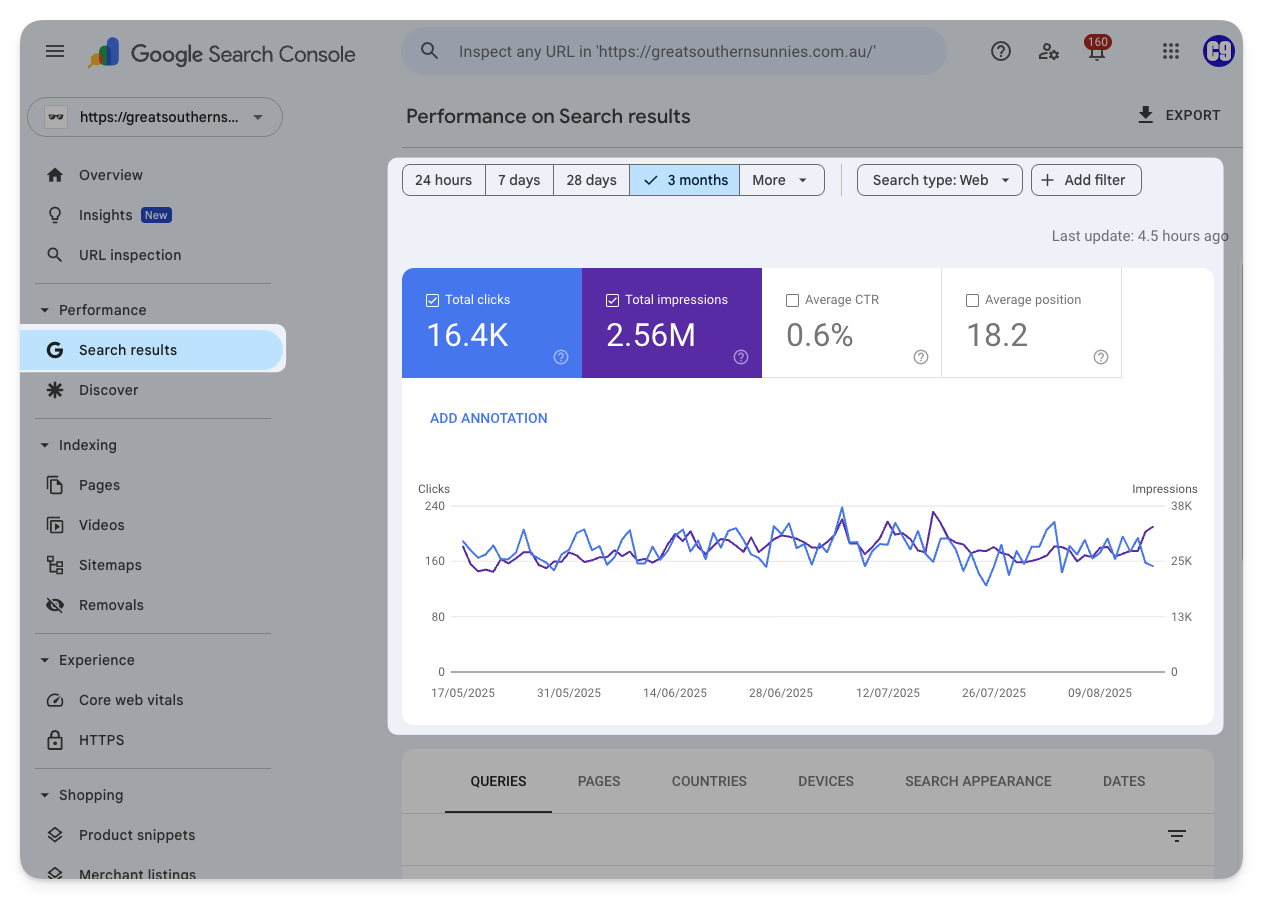 |
Query results | → Click on Search Results (Sidebar) → Scroll down and click on the query you want to examine → The results will be filtered to that query only. You can scroll down again and click on a specific URL to filter by that query and URL. 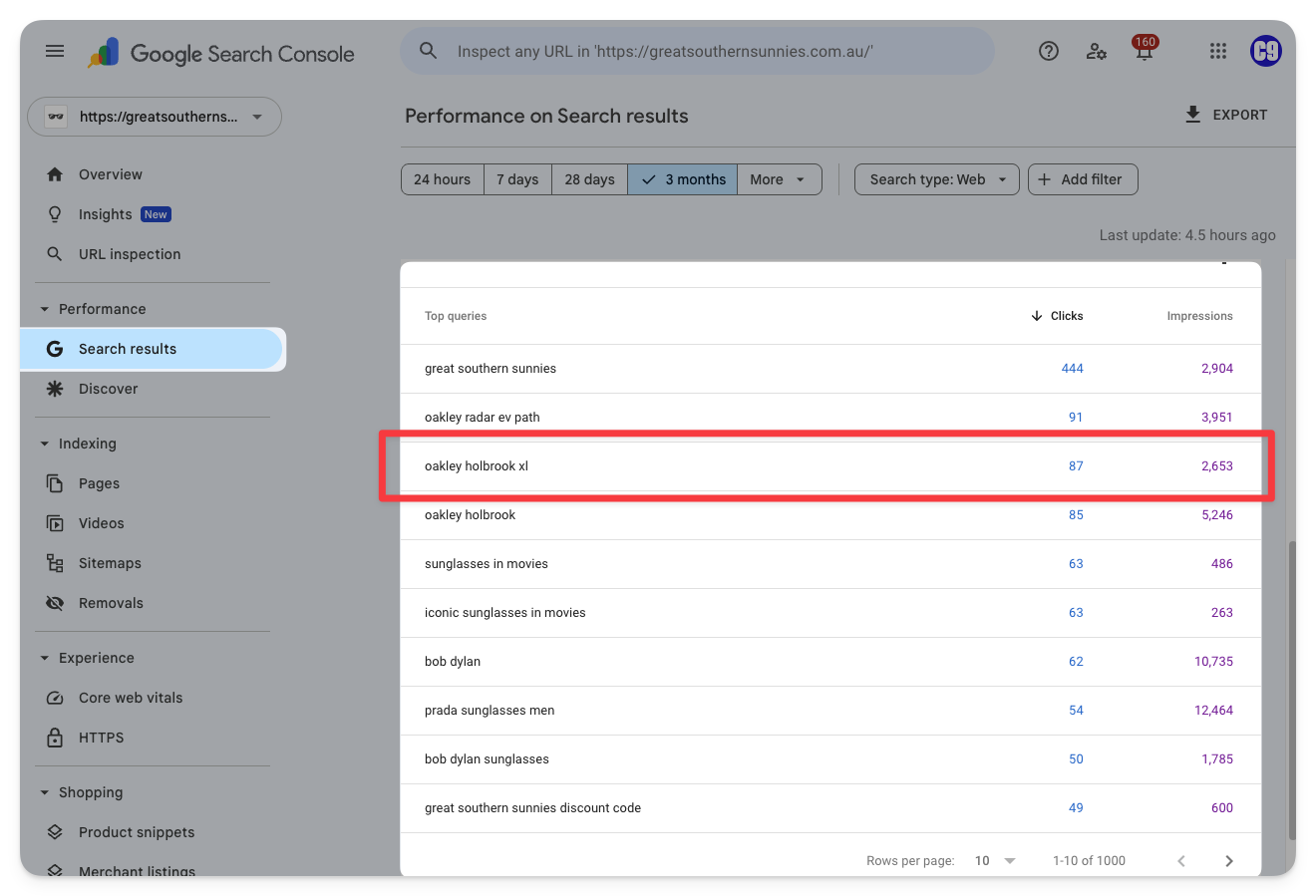 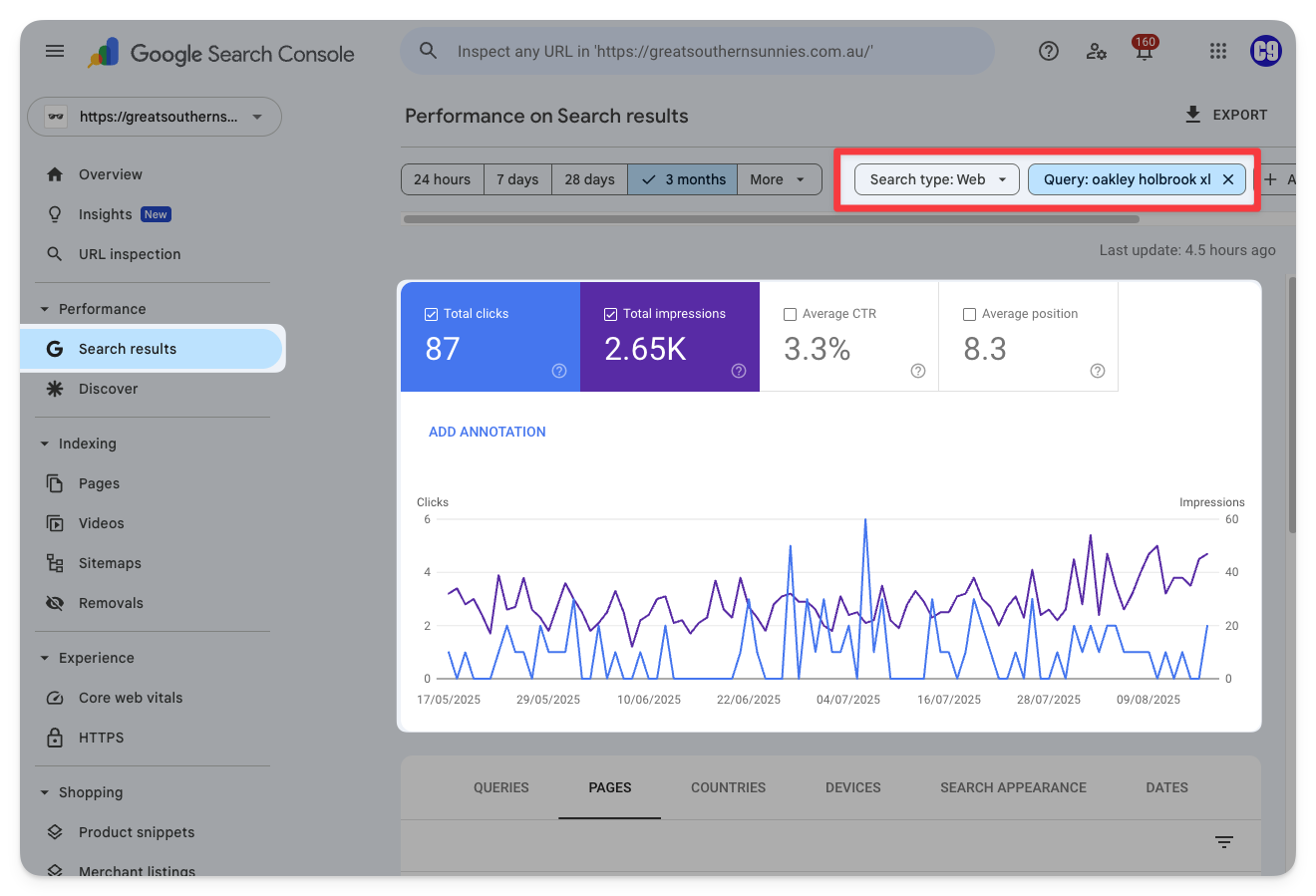 |
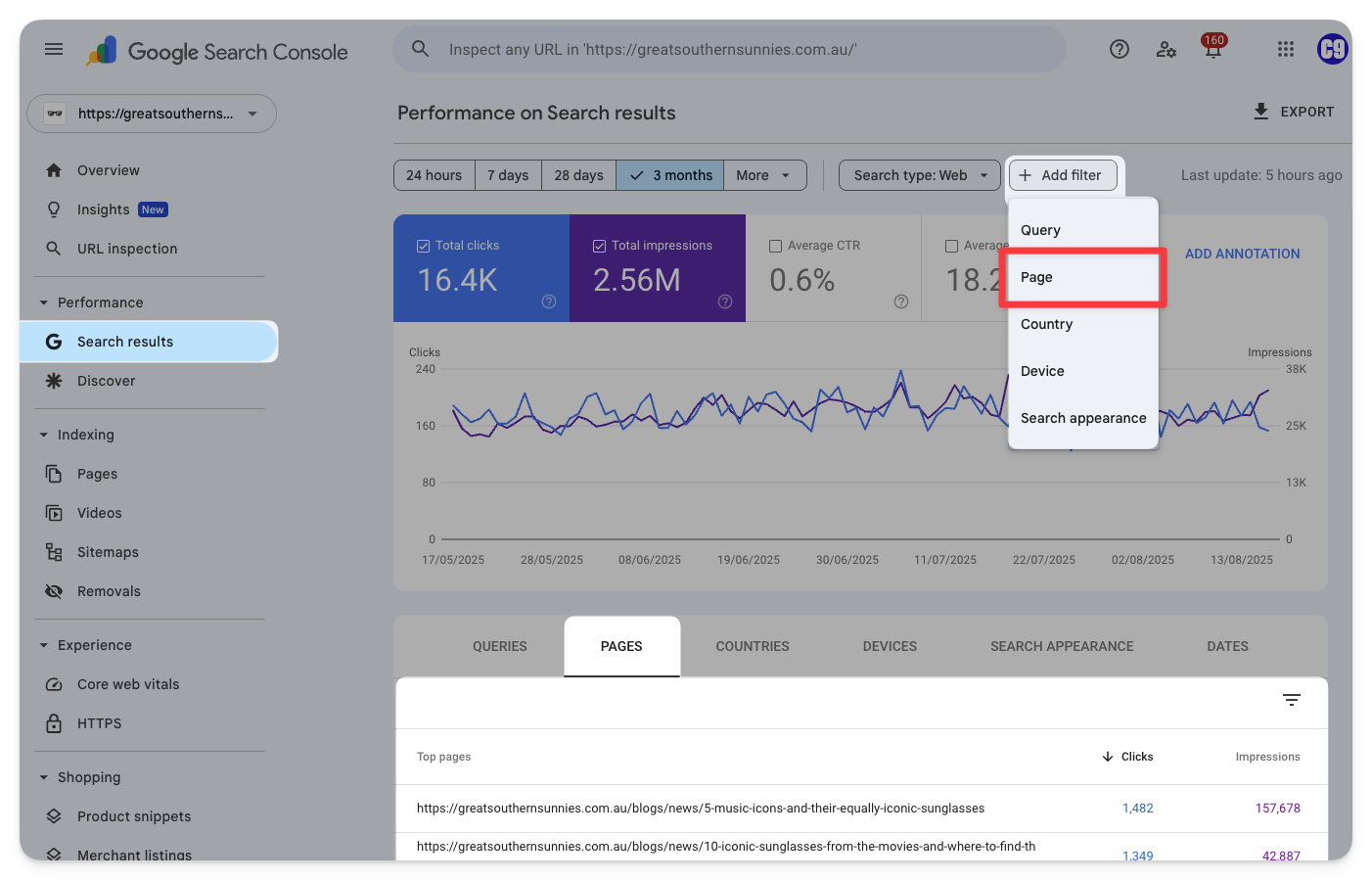
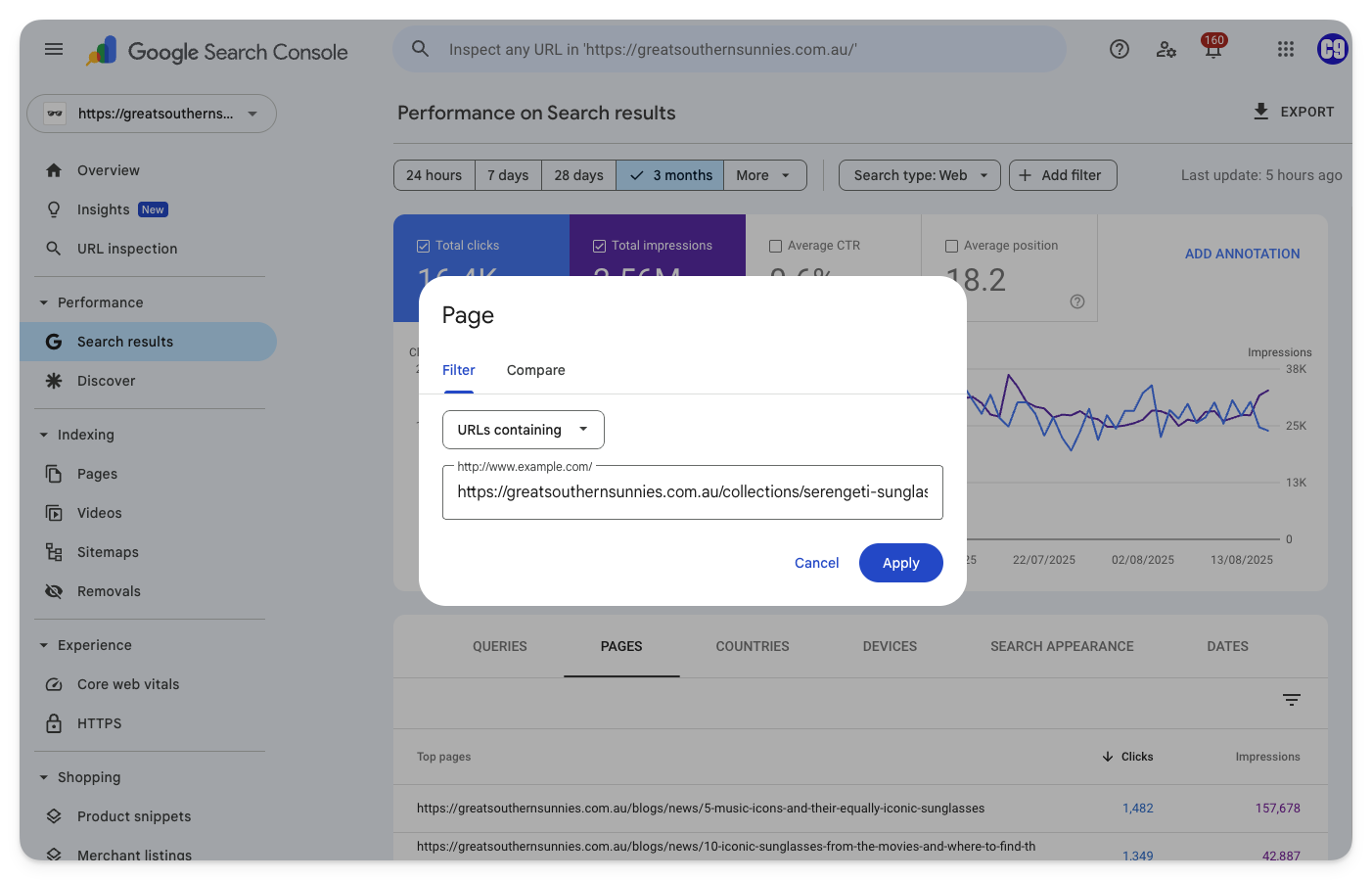
Page results | → Click on Search Results (Sidebar) → Scroll down and click on the PAGES tab → Copy the URL that you want to examine by hovering it and clicking on the page icon → Scroll up and click Add filter then Page
→ Keep the dropdown set to URLs containing and paste the URL that you copied. → Make sure that you remove any query parameters from the URL (Any question marks “?” and any characters after the question mark.) → Click Apply
  |
| Sitemaps | |
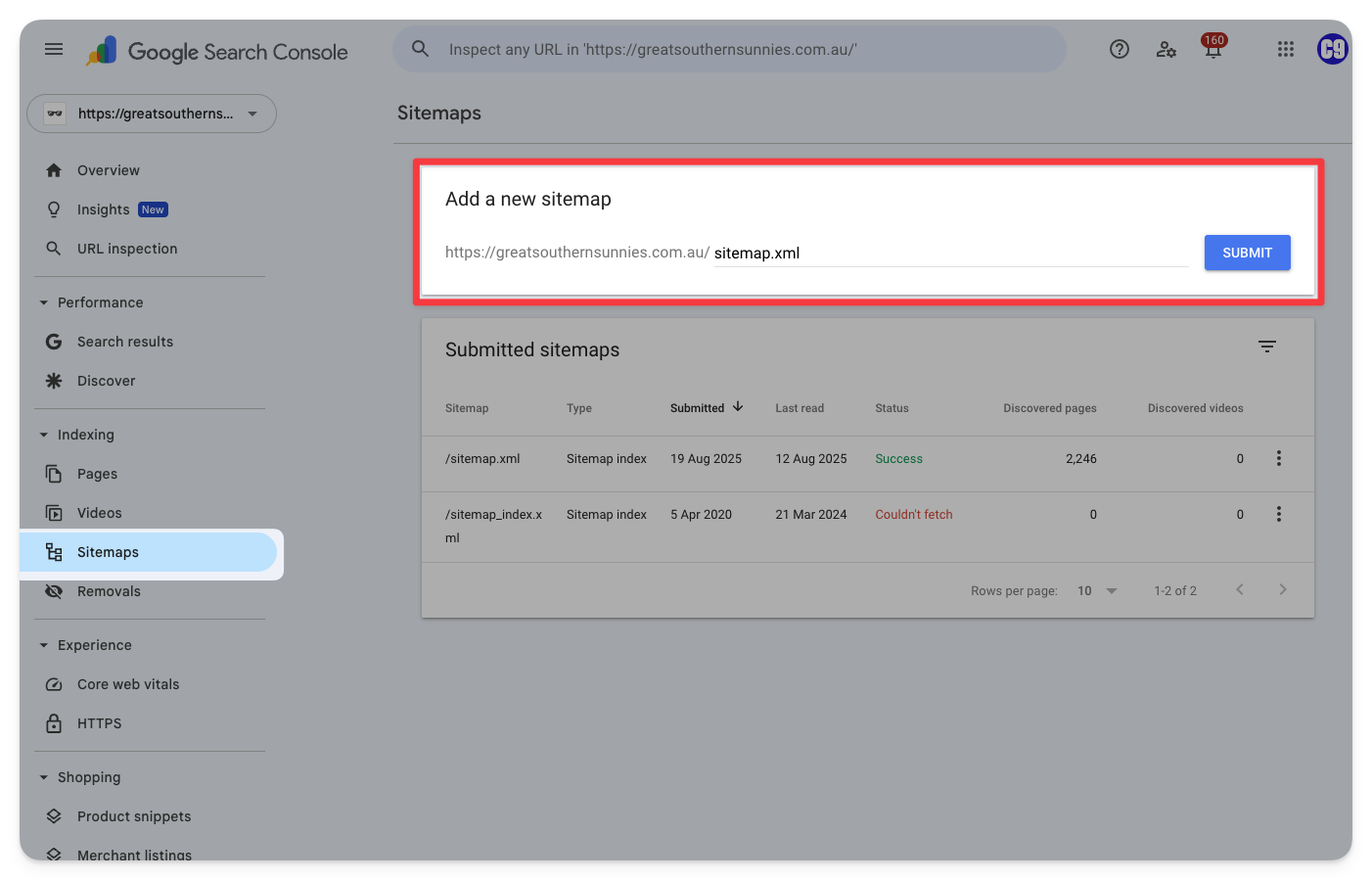
Adding a sitemap | → Click on Sitemaps (sidebar) → Find your sitemap URL and paste it into the input → Click Submit
 |
| Page Indexing | |
Examining Indexing Issues | → Click on Pages (in the sidebar) → Scroll down and examine the Reasons under “Why pages aren’t indexed” Here is my guide to page indexing issues: |
Requesting page indexing | To see the indexing status of a page: → Paste the page’s URL into the top search bar then hit enter → If the page is not indexed for a reason you believe is no longer true, click Test Live URL
→ If the live test says “Page can be indexed” then click Request Indexing 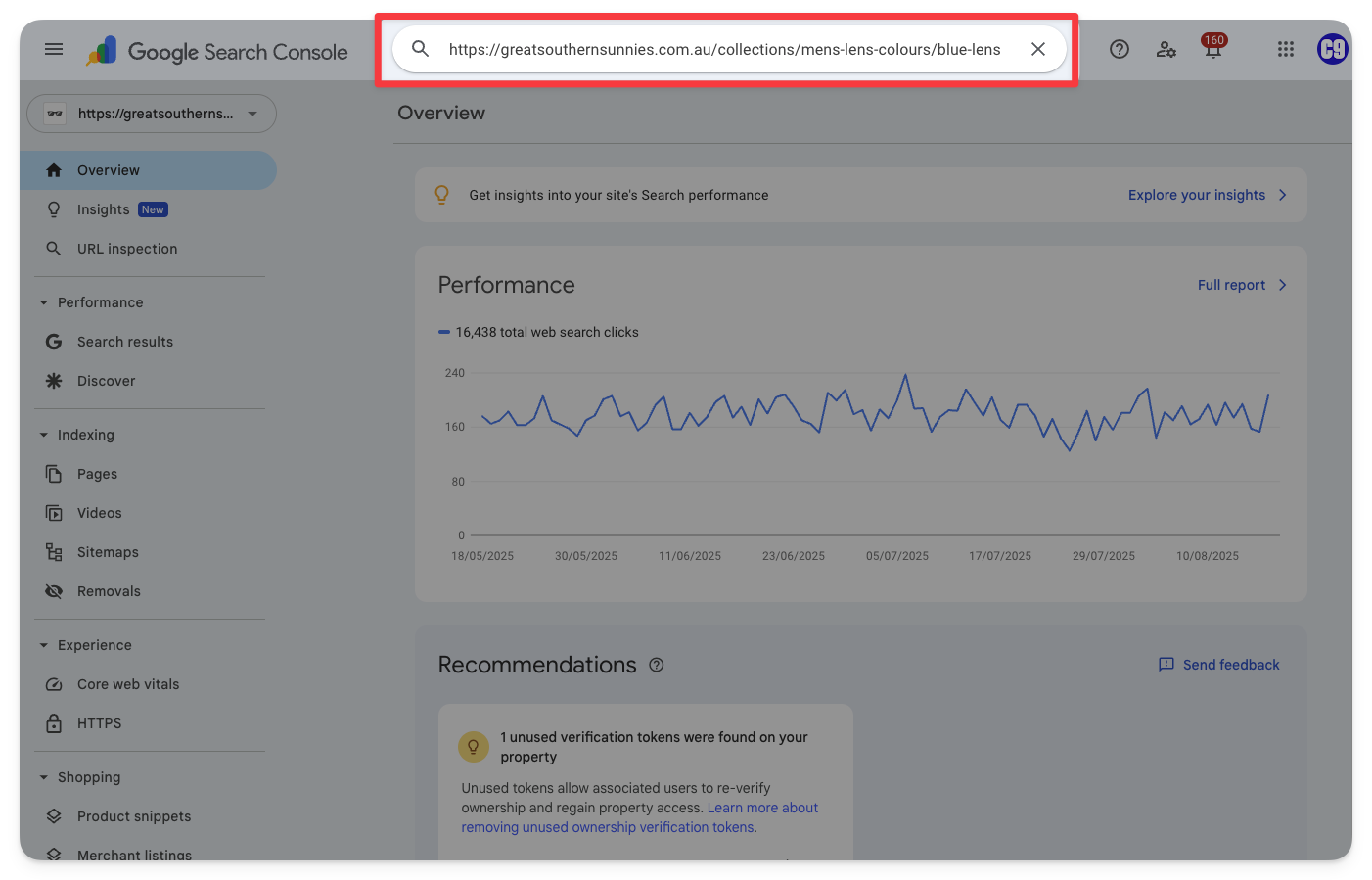 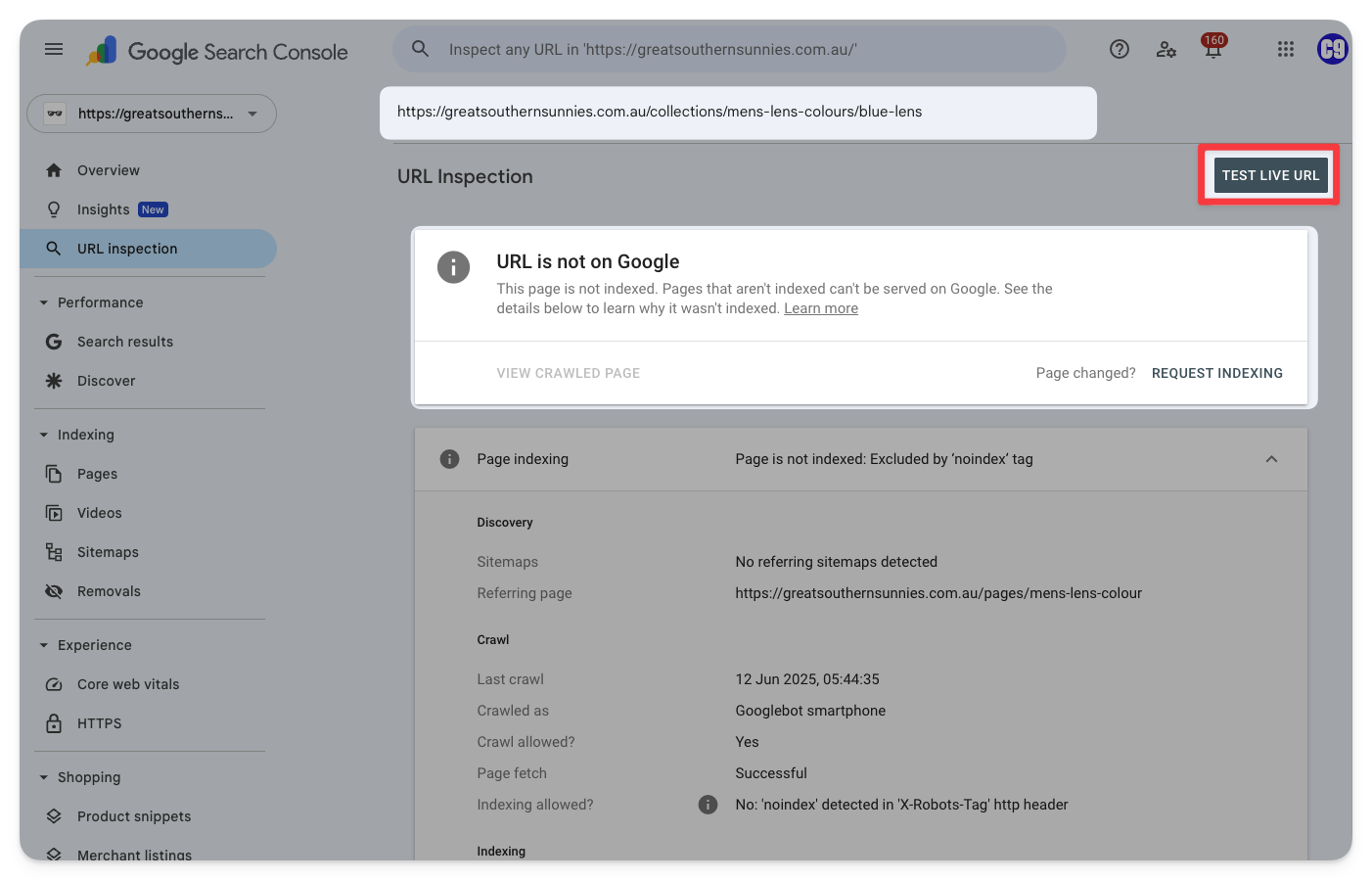 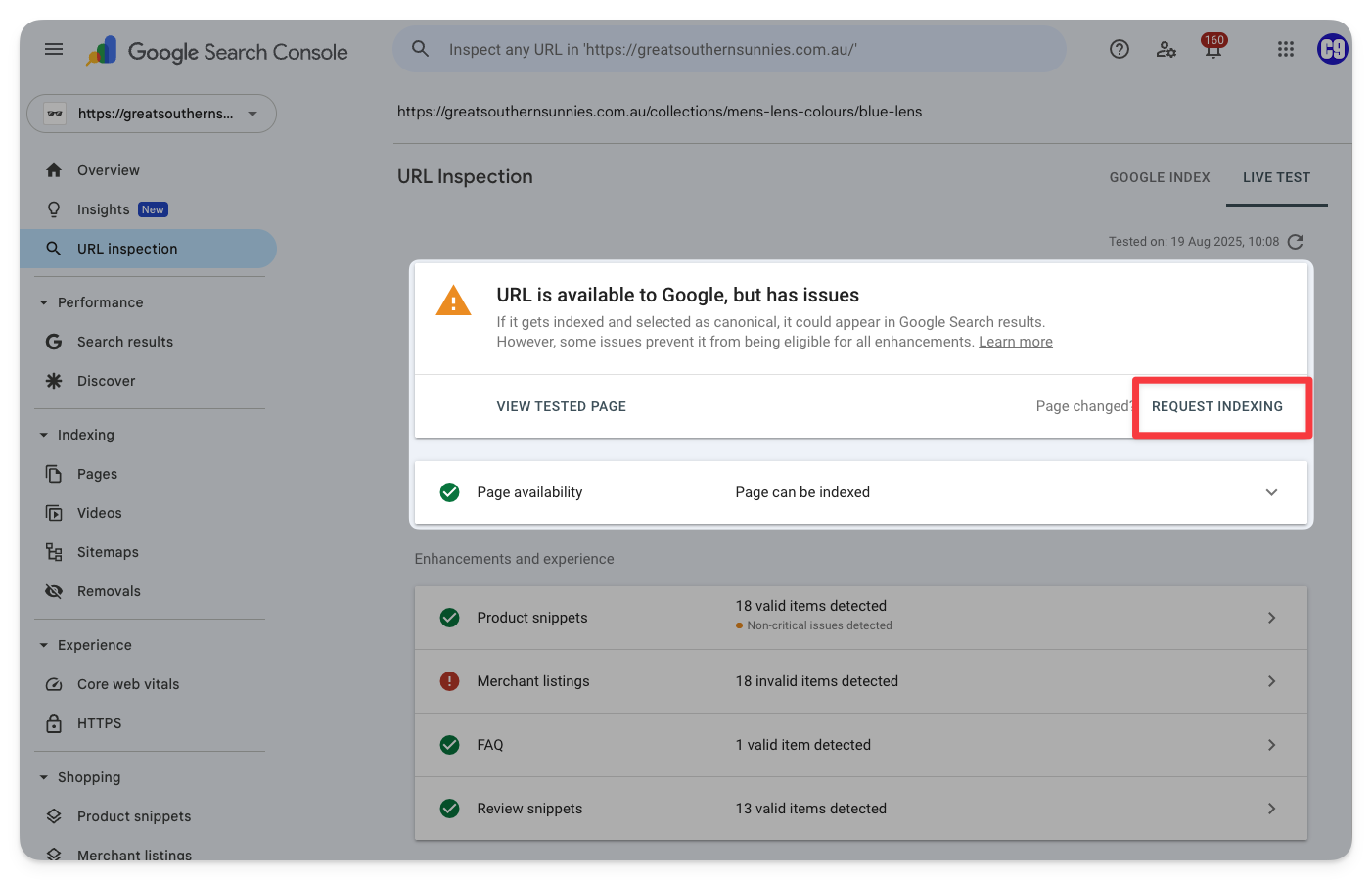 |
| Disavow Tool | |
Disavowing Spam Backlinks | → Go to the Disavow Tool → Select the correct property → Make a list of the links you wish to disavow according to the following format: See documentation here. → Click Upload disavow list and select the file you have made. Only one disavow list can be present at a time – uploading a list will replace any previous list. |
Categories:
Documentation
Tools